

One of the biggest frustrations for smartwatch users isn’t battery life, screen quality, or even health features.
It’s app disconnection.
Many smartwatch brands invest heavily in hardware, only to discover that customer complaints are actually caused by unstable app connectivity. Users miss notifications, health data fails to sync, and Bluetooth connections randomly drop throughout the day. The result? Product returns, negative reviews, and reduced customer trust.
In my experience working with smartwatch projects, the root cause is rarely the smartwatch itself. More often, it comes from poor integration between firmware, Bluetooth protocols, and smartphone operating systems.
Both Android and iOS continuously update their background process management. If a smartwatch solution isn’t properly optimized, the operating system may restrict Bluetooth communication when the app runs in the background. This is especially common on Android devices from Samsung, Xiaomi, Huawei, and OPPO, where battery-saving mechanisms can aggressively terminate background services.
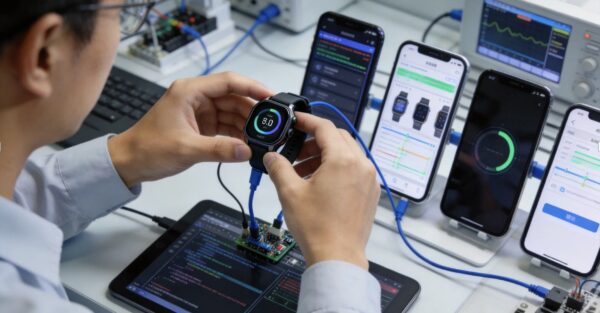
Reliable smartwatch suppliers address these issues long before products reach the market. This includes optimizing BLE communication protocols, improving firmware stability, reducing reconnection time, and continuously testing compatibility across multiple smartphone brands and operating system versions.
In today’s wearable market, users expect their smartwatch to work seamlessly. A beautiful design may attract customers, but a stable app experience is what keeps them satisfied.
#Smartwatch #Wearables #IoT #ConsumerElectronics #Bluetooth #ProductDevelopment #ODM #OEM #TechInnovation #ConnectedDevices